
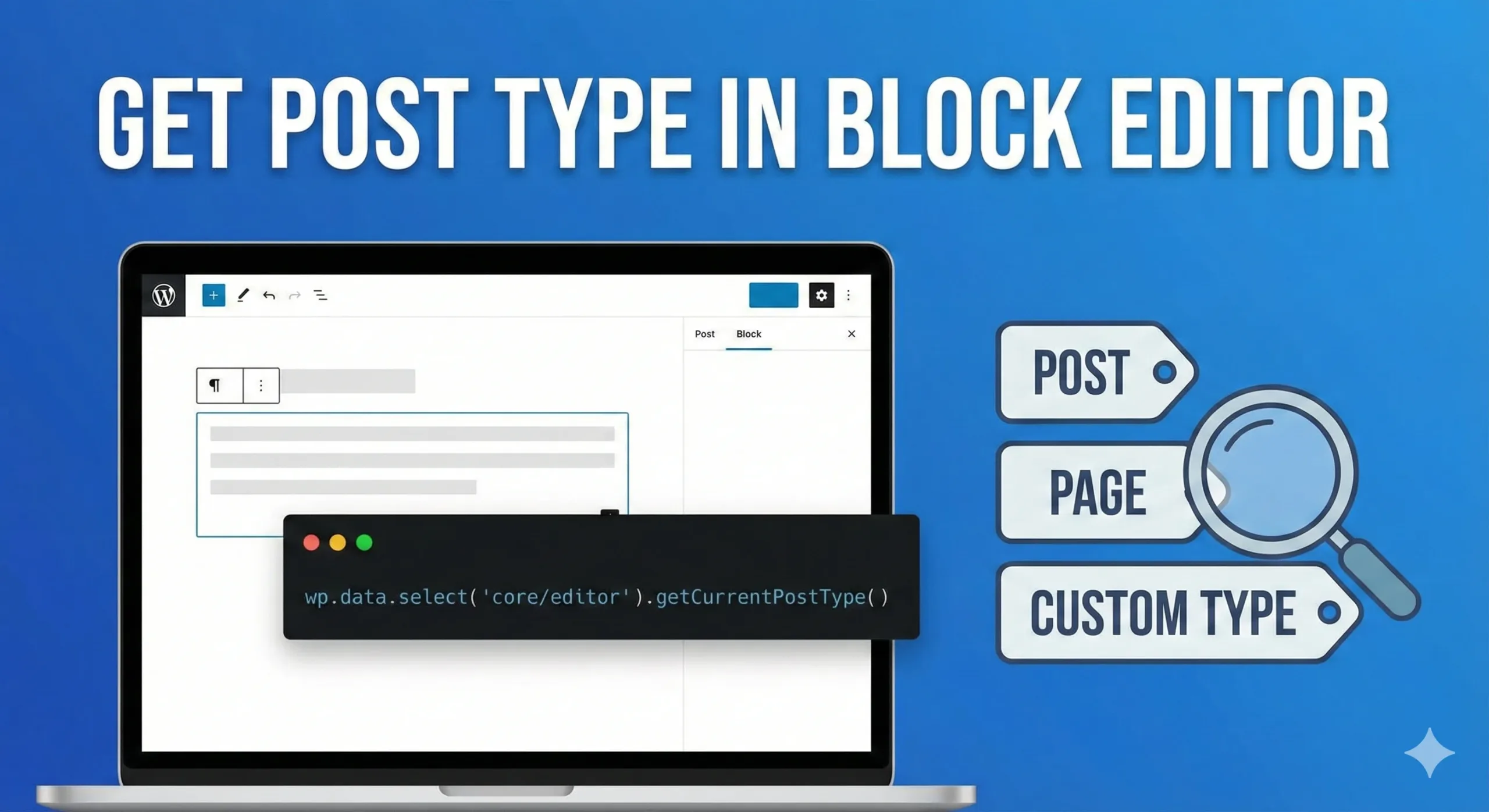
As WordPress developers, we often build blocks or sidebar plugins that require context awareness. A common requirement is determining whether the user is currently editing a “Post,” a “Page,” or a “Custom Post Type.”
In the classic PHP environment, we relied on get_post_type(). But how do we retrieve this information dynamically inside the Block Editor (Gutenberg) using JavaScript?
Here is a quick snippet to get the job done.
The Solution
To retrieve the current post type slug, you can interact with the WordPress data store. specifically the core/editor store.
Run this line in your console or script:
const currentPostType = wp.data.select('core/editor').getCurrentPostType();

console.log(currentPostType);
// Output example: 'post', 'page', or 'my-custom-type'
How it works?
wp.data.select(): This function allows you to retrieve data from the WordPress state manager (Redux-based).'core/editor': This is the namespace for the editor’s data store..getCurrentPostType(): This selector returns the string value of the post type currently being edited.
Practical Example: Using useSelect
If you are building a custom block or a plugin using functional components (which you should be!), the best practice is to use the useSelect hook. This ensures your component re-renders if the data changes, though the post type rarely changes mid-edit.
Here is how you would implement it in a real-world React component:
import { useSelect } from '@wordpress/data';

const MyContextAwareComponent = () => {
    // Retrieve the post type from the store
    const postType = useSelect( ( select ) => {
        return select( 'core/editor' ).getCurrentPostType();
    }, [] );

    return (
        <div className="my-component-wrapper">
            <p>Currently editing a: <strong>{ postType }</strong></p>

            {/* Conditional logic based on post type */}
            { postType === 'product' && (
                <div className="product-warning">
                    Don't forget to add a price!
                </div>
            ) }
        </div>
    );
};
Why is this useful?
- Conditional Script Loading: Run specific JS logic only if the user is editing a particular CPT.
- Block Visibility: Hide or show specific controls in your block Inspector based on the post type.
- Validation: Enforce specific rules for Pages that don’t apply to Posts.
Happy Coding!
Leave a Reply