-
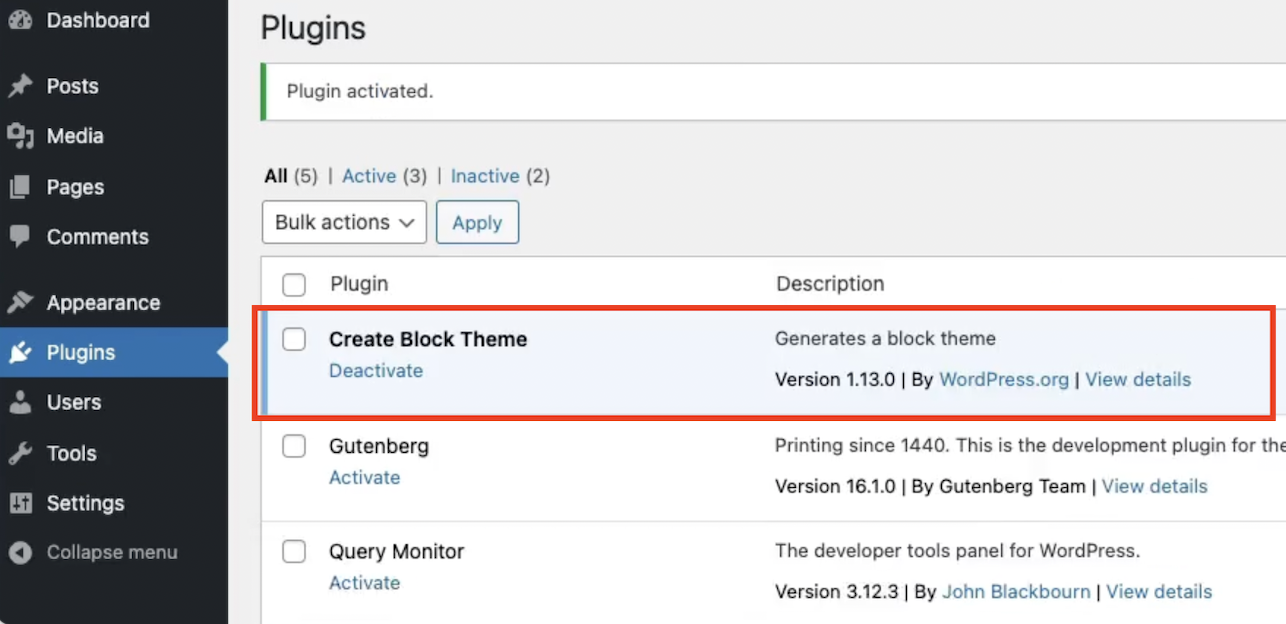
Accelerate block theme development within Site Editor using create-block-theme 🚀
Did you know, the Site Editor automatically saves all the changes you make to templates or styles in the database? This feature comes in handy during the building process, allowing…
-
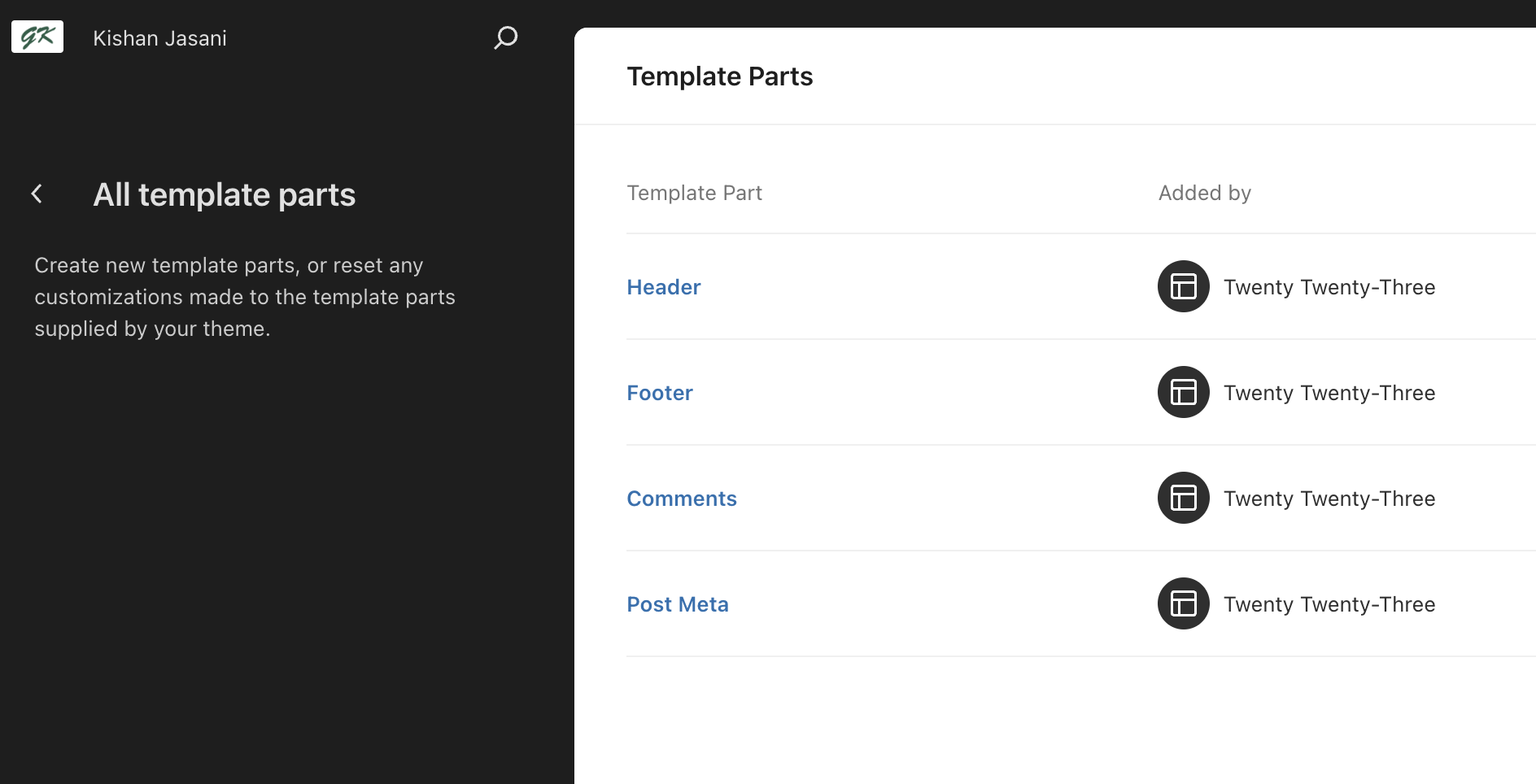
How to use block template parts in the classic theme?
Note: This feature is added in WordPress 6.1. Now, it is possible to create block-based template parts in classic themes and allows the same flexibility same as block-based theme. Add…
-
How to connect to multiple GitHub accounts on the same computer?
Let’s Find the Problem First I have two GitHub accounts—one for personal use and another for work. I want to use both accounts on the same computer without repeatedly entering…
-
Saving the ACF JSON file locally to your Theme or Plugin
Storing ACF JSON files locally allows you to maintain version control over your custom fields, making it easier to track changes and collaborate. Creating an acf-json Directory Create a Directory:…
-
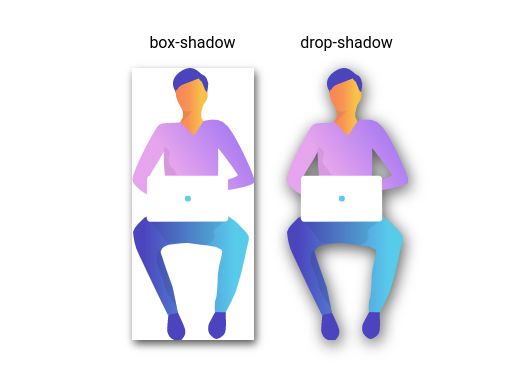
Understanding drop-shadow and box-shadow: A Complete Guide
Shadows are one of the most powerful tools in a designer’s toolkit. They add depth, dimension, and realism to otherwise flat interfaces. Whether you’re styling UI components with CSS or…
-
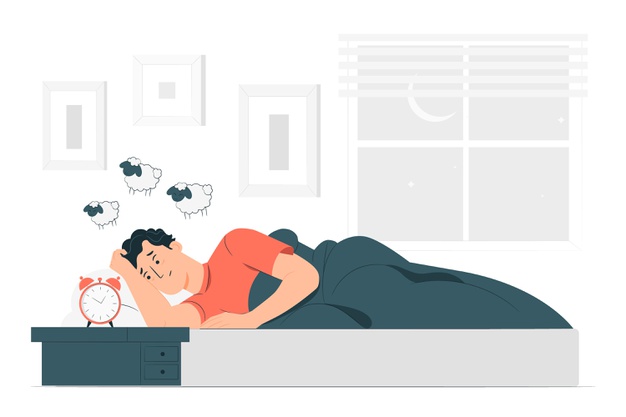
Sleep is a Best Debugger: Why Rest Helps You Solve Coding Problems Faster
I couldn’t count the number of times I’ve been stuck on a frustrating coding problem for hours – debugging, tweaking, and testing with no solution in sight. Only to come…
-
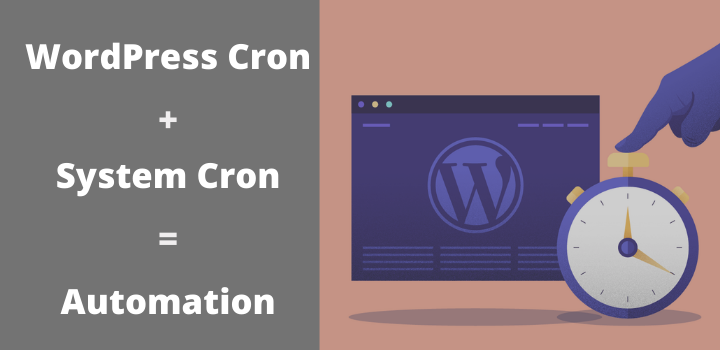
Automate your WordPress Cron
We all know WordPress Cron(wp-cron) can be unreliable if left on the default WordPress setting. The WordPress default behaviour on maybe I will run maybe not for wp-cron in a case of sites with less traffic. There…
-
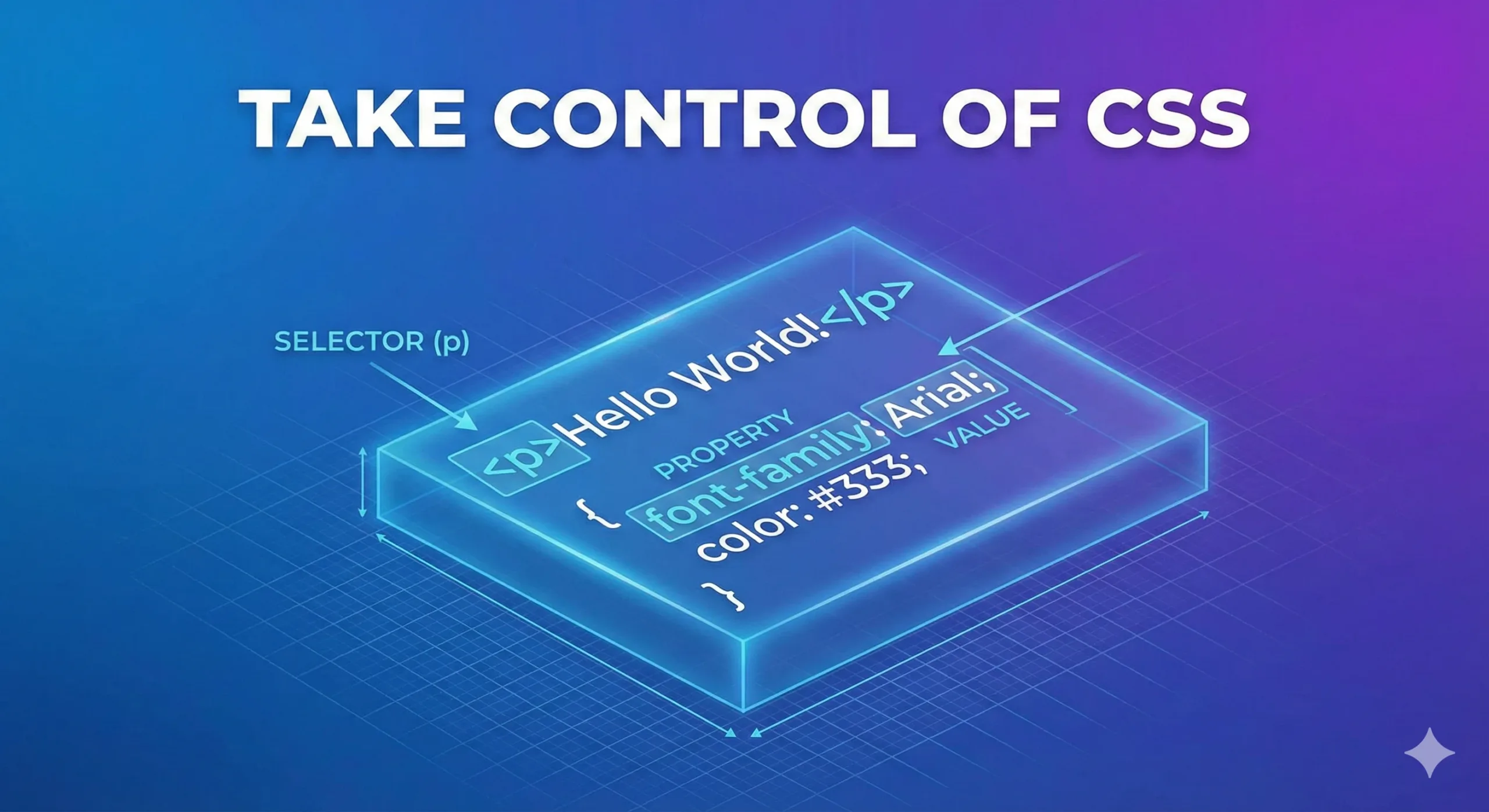
Take Control of CSS: Understanding the Building Blocks of Style
If HTML is the skeleton of a website, CSS (Cascading Style Sheets) is the skin and clothing. It decides how your site looks and feels, including layout, colors, fonts, spacing,…

Kishan Jasani
Code, Creativity & Everything I Learn
© 2025 Kishan Jasani. All rights reserved.
