-
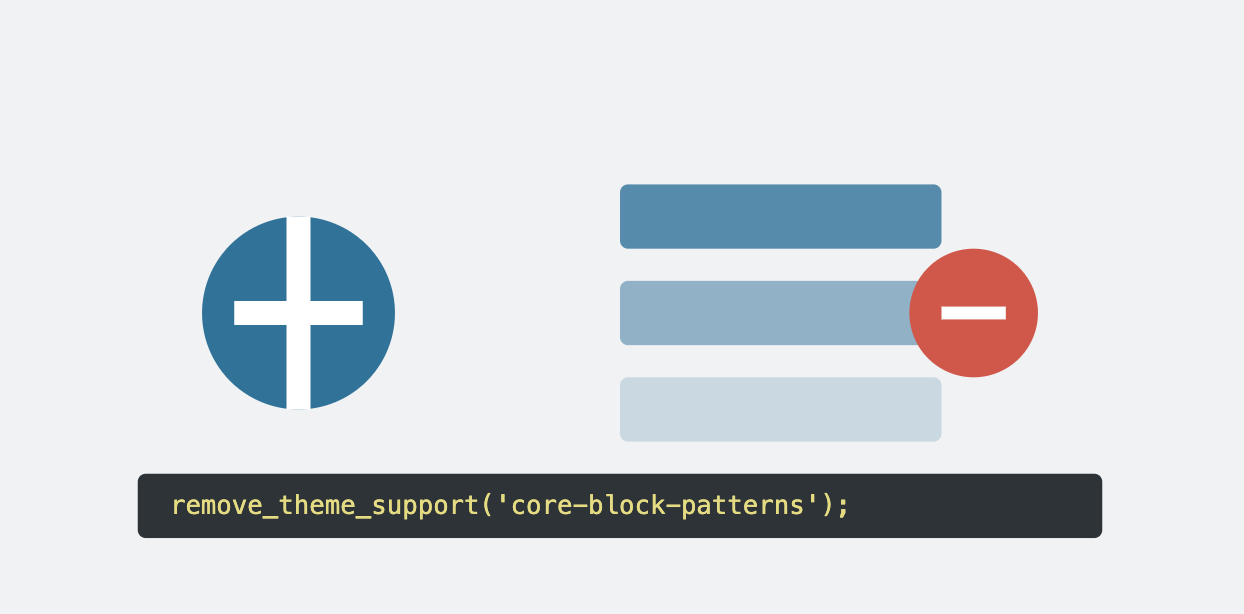
How to remove WordPress default block patterns?
WordPress lets developers efficiently manage block patterns. Here’s how you can remove default block patterns or unregister specific ones. Removing All Default Block Patterns To remove all default block patterns…
-
How to create custom MU plugin?
WordPress offers a powerful way to extend functionality using plugins. While standard plugins require activation, Must-Use (MU) plugins are automatically enabled once placed in the designated folder. MU plugins are…
-
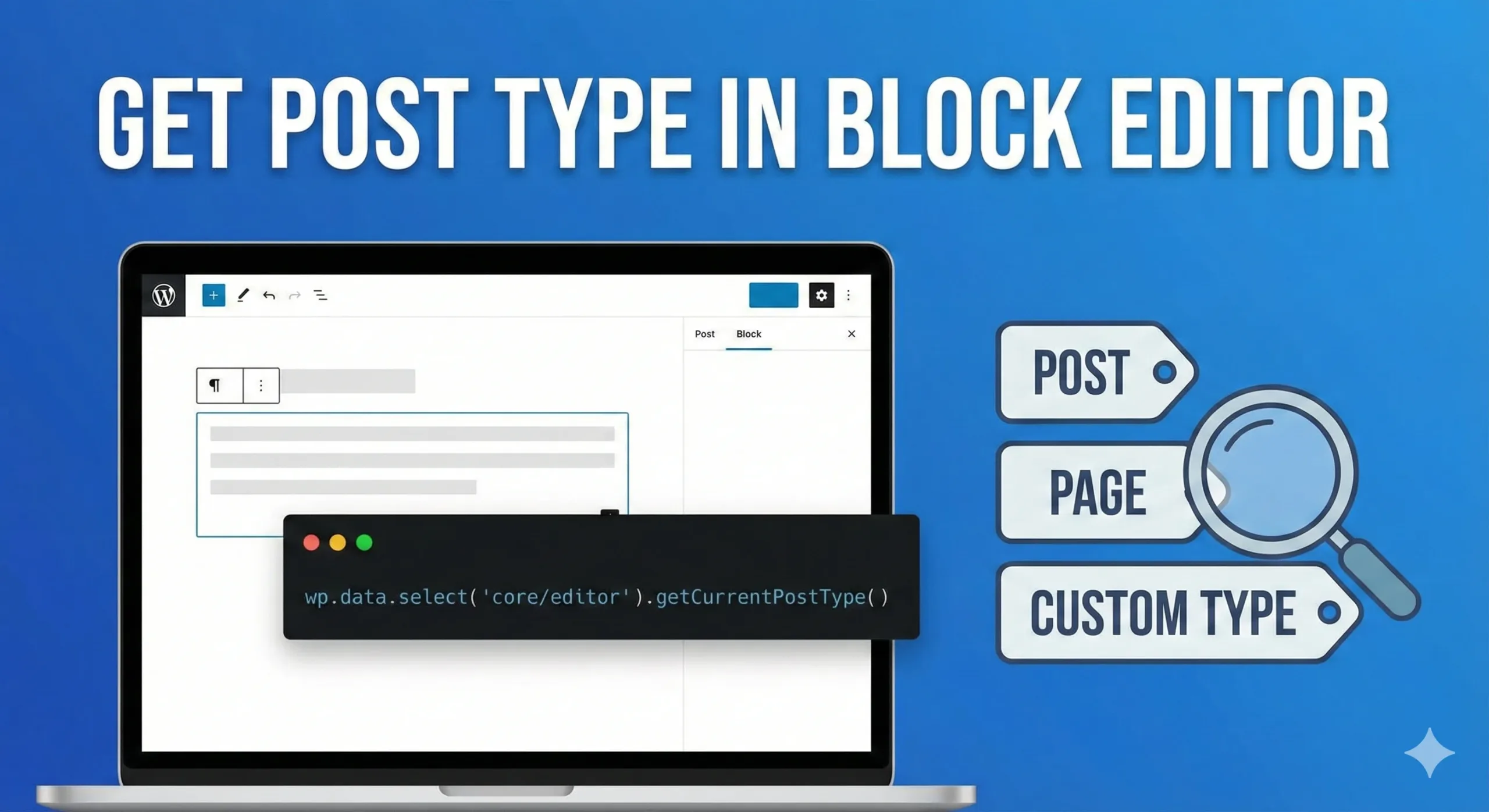
Get post type in block editor
As WordPress developers, we often build blocks or sidebar plugins that require context awareness. A common requirement is determining whether the user is currently editing a “Post,” a “Page,” or…
-
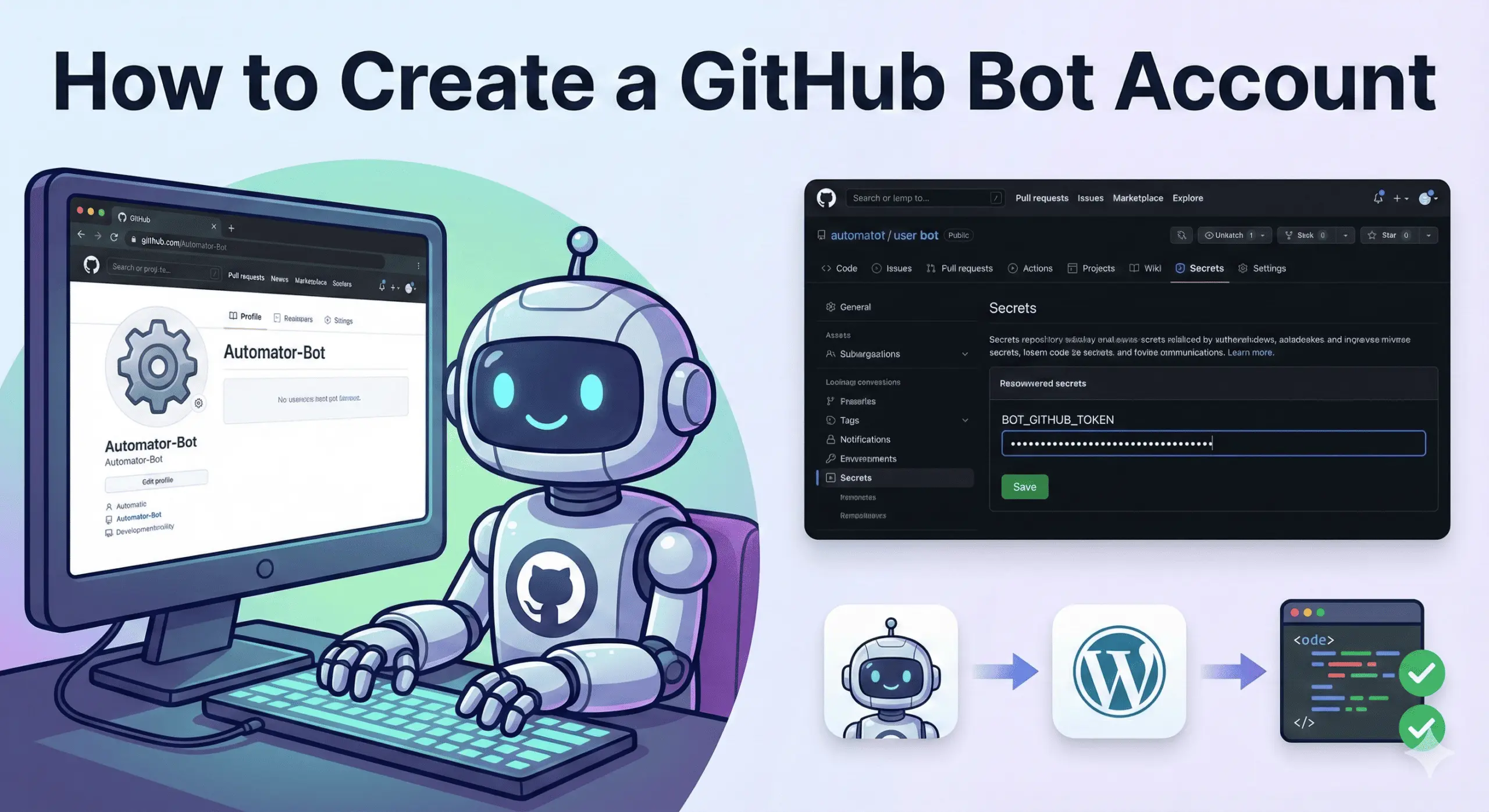
How to create Github Bot Account?
In modern web development, automation is no longer optional. From running CI checks to posting automated code review comments, we expect systems to work for us in the background. To…
-
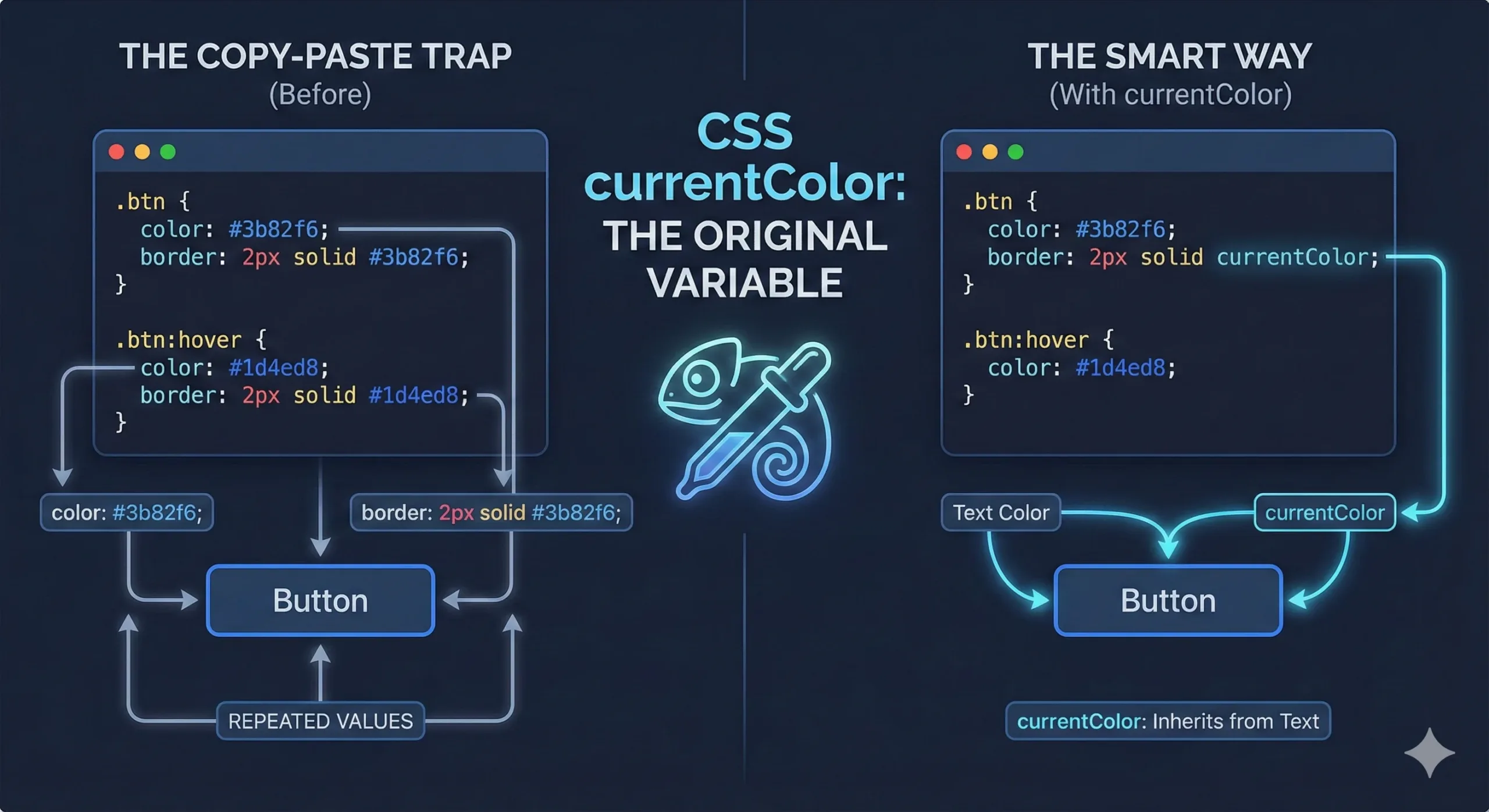
What is currentColor in CSS and How to use it effectively?
Most of us love CSS variables. Once you start using them, it’s hard to go back. But here’s the interesting part. Before CSS variables even existed, CSS already had a…
-
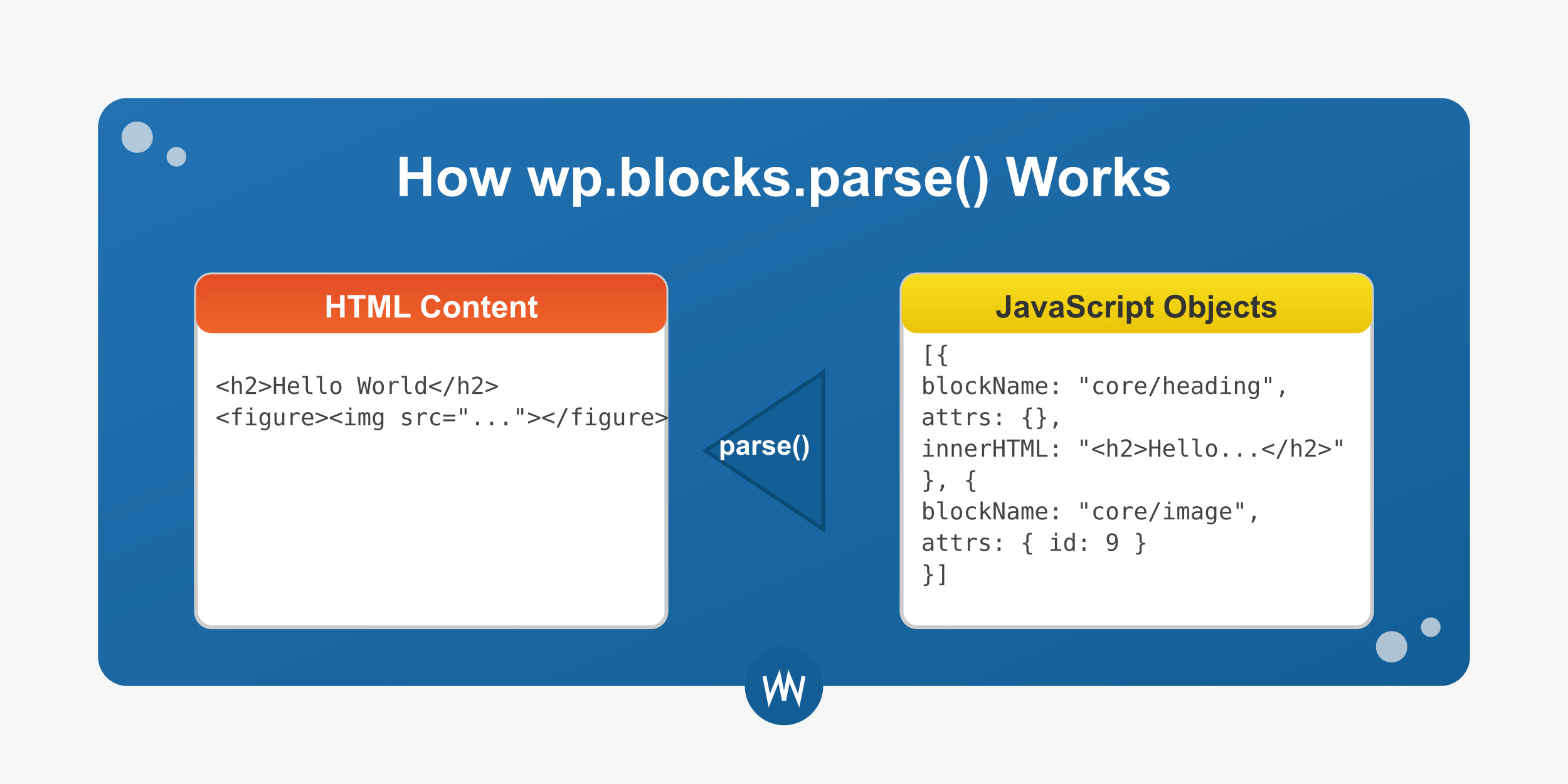
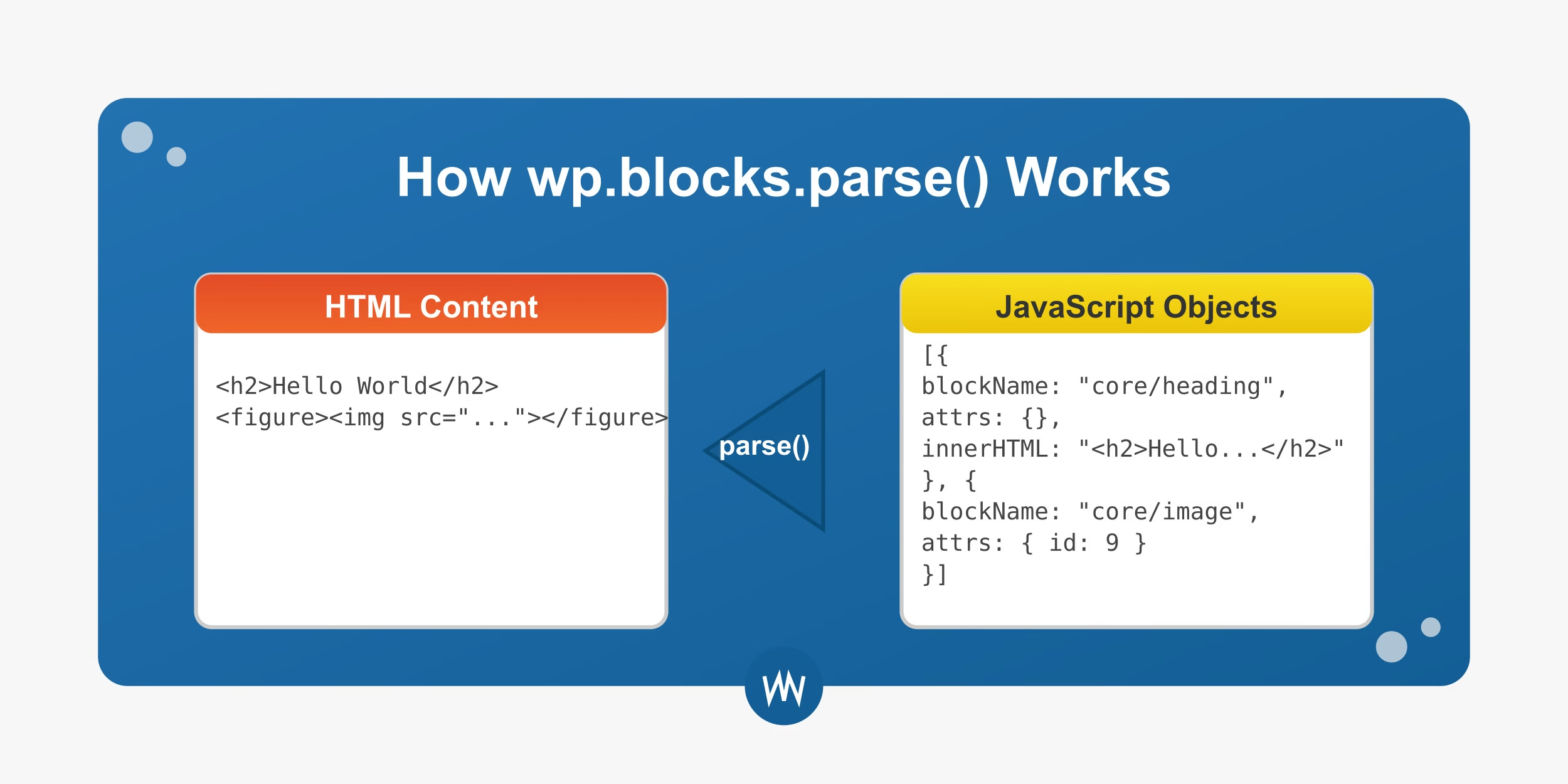
Understanding WordPress Block Parsing: How wp.blocks.parse() Works
WordPress Gutenberg’s block editing system represents a fundamental shift in how content is created and stored in WordPress. At the heart of this system is the block parser, which translates…
-
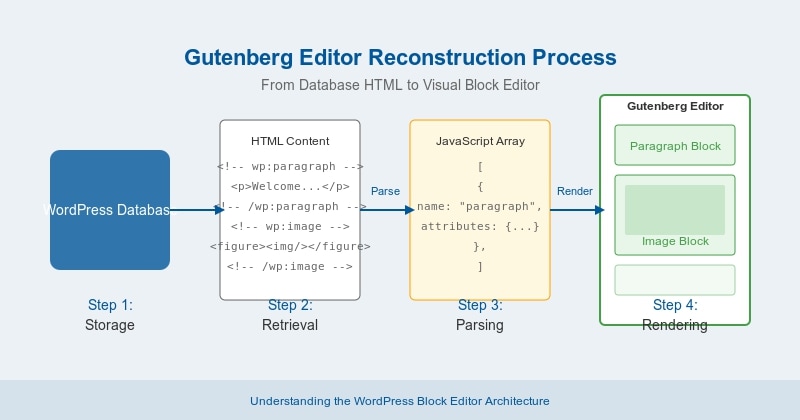
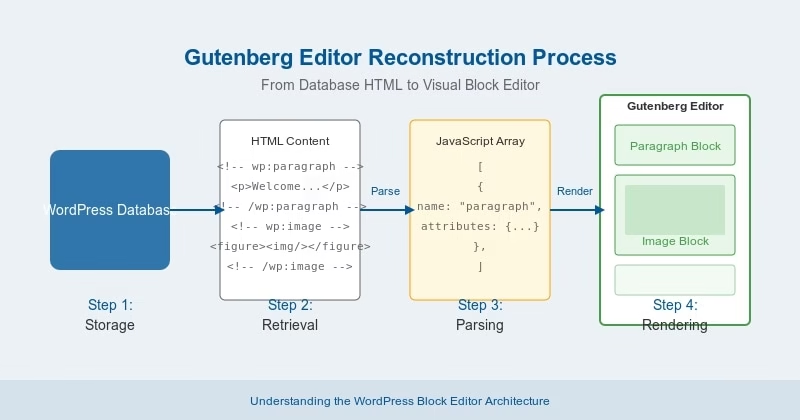
How the Gutenberg Editor Reconstructs Posts from Plain HTML
If you’ve used the WordPress Gutenberg editor, you know how intuitive and flexible it feels. It lets you move, edit, and design content with blocks—like paragraphs, images, headings, buttons, and…
-
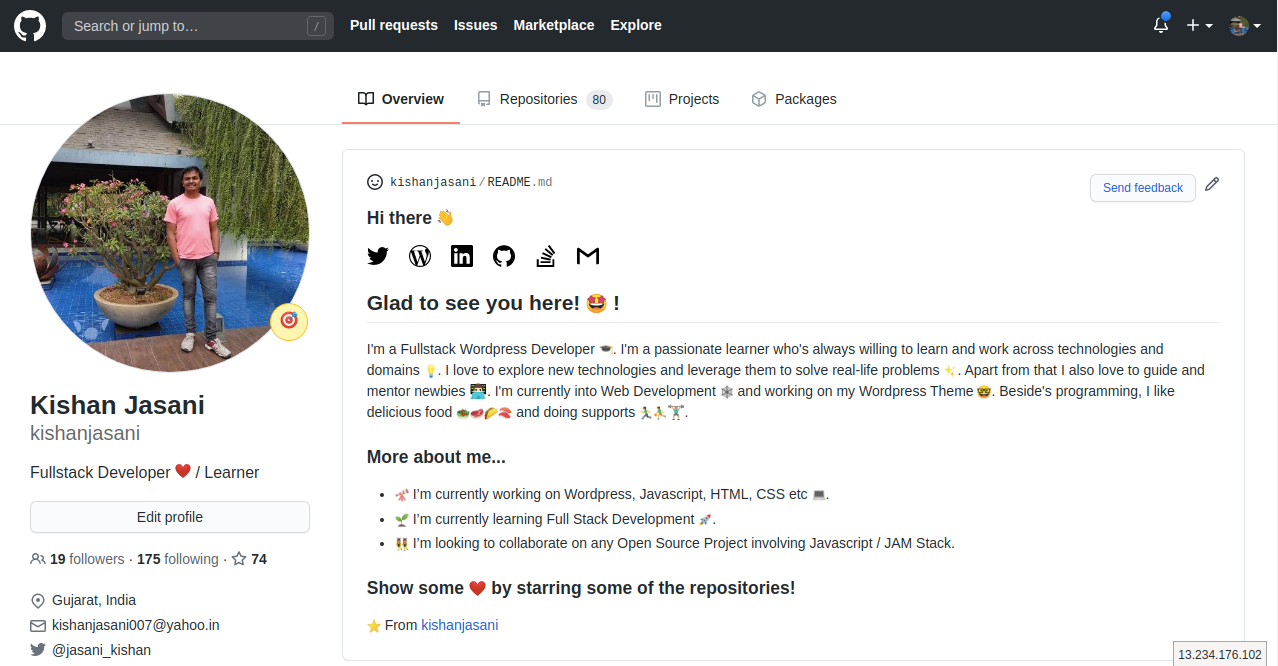
How to design Github profile using README.md
GitHub recently released a feature that allows users to create a profile-level README to display prominently on their GitHub profile.

Kishan Jasani
Code, Creativity & Everything I Learn
© 2025 Kishan Jasani. All rights reserved.
